
Next-Gen SafetyCam Events
Introduction:
Azuga’s next-generation SafetyCam Plus and SafetyCam Pro use advanced edge-based AI and integrated sensors to detect risky driving behaviors and distractions in real time. The cameras identify potential hazards and provide proactive voice alerts to help drivers correct unsafe actions before they escalate.
These capabilities help fleets reduce collisions, improve driver safety, and capture critical events on the road.
Every fleet operates differently, and Azuga recognizes the need for flexibility. That’s why our Next-Gen SafetyCam devices offer configurable event settings, sensitivity levels, and alert preferences, enabling fleet managers to tailor the system to their unique operational requirements and driving environments.
This document provides clear definitions for each supported event, including:
- Event definitions
- How and when each event is triggered
- Available configuration settings
For Accurate Event Detection:
To ensure accurate event detection and reliable event recording, both road-facing and driver-facing cameras must be properly aligned and unobstructed.
- Proper Alignment:
- Road-Facing Camera - Adjust the camera so the road is centered within the frame, neither too high nor too low. Use the red line in the image below as a focus guide.

- Driver-Facing Camera - Position the in-cab lens to capture at least the driver’s head and shoulders clearly within the frame.

- Priority - Road-facing visibility takes precedence over the driver-facing view to ensure accurate event detection. Adjust both cameras to maintain this balance.
| Note: Misalignment can prevent both road-facing and driver-facing events from being triggered effectively. |
- Free from Obstructions - Avoid windshield stickers, hanging objects, or tinted films that can block or distort the camera’s view.
- Clean and Clear Lens - Keep lenses free of dust, smudges, or moisture buildup to maintain recording clarity.
-
Regular Checks After Maintenance - Re-verify camera alignment whenever the device is serviced, remounted, or the vehicle’s windshield is replaced.
These checks help maintain high event detection accuracy and optimal AI performance under all driving conditions.
Events Supported by Next-Gen SafetyCam:
- Driver Monitoring (DMS) Events
- Advanced Driver Assistance System (ADAS) Events
- Sign Detection Events
- Impact Detection Events
- Emergency Events
- Tampering Events
- Risky Driving Events
Driver Monitoring (DMS) Events:
Driver Monitoring System (DMS) events are triggered based on the driver-facing camera view of the SafetyCam. These events rely on AI analysis of the driver’s facial cues, head position, and overall attentiveness to identify behaviors that may indicate distraction, fatigue, or unsafe driving actions.
The SafetyCam Pro and SafetyCam Plus support the following DMS events:
Using Phone:
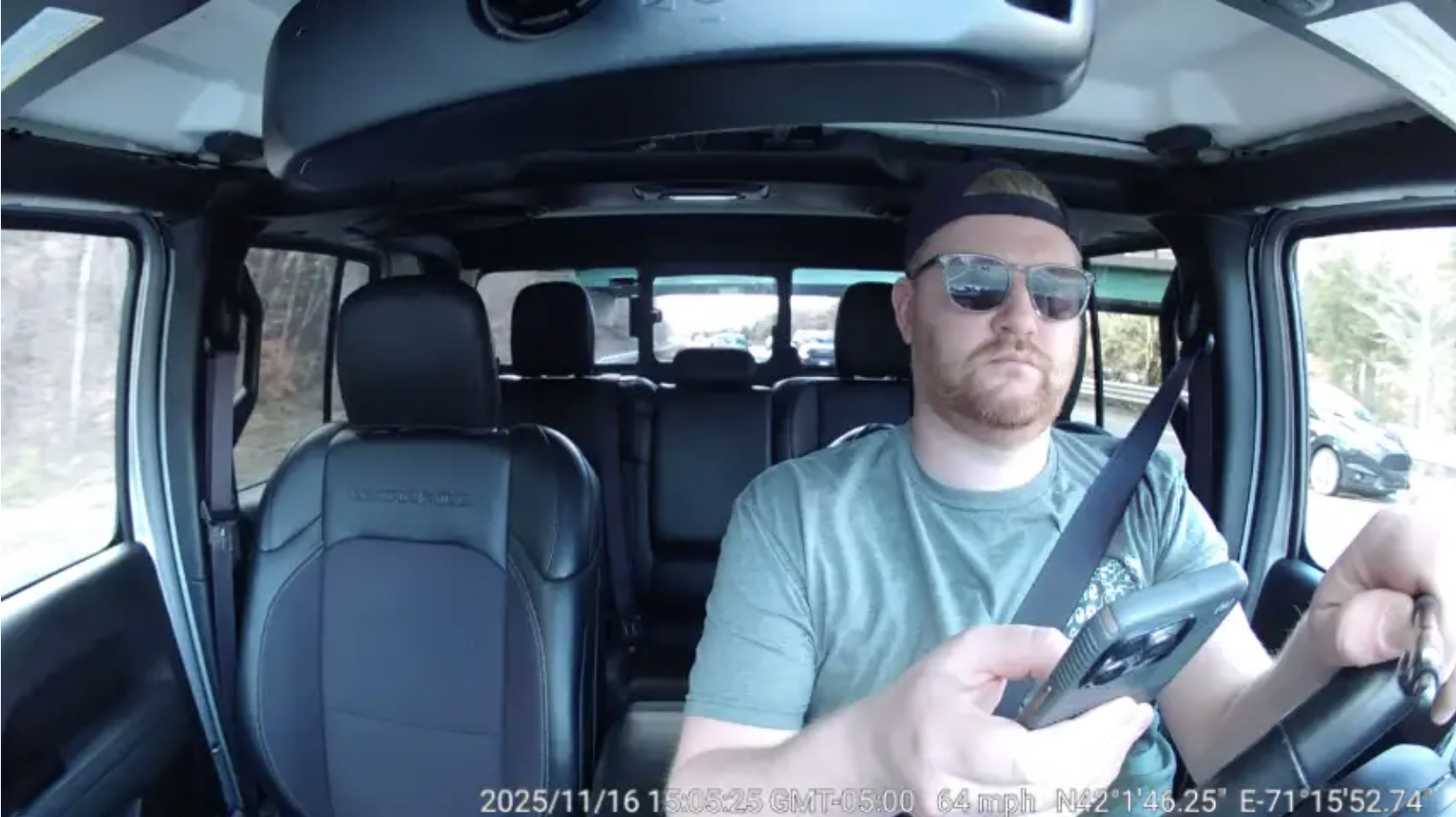
- Event Definition: This event is triggered when the driver is visibly using a mobile phone, either for texting or for making or receiving a call.
- Sensitivity Levels:
- High: Phone usage detected for 3 seconds or more
- Medium: Phone usage detected for 6 seconds or more
- Low: Phone usage detected for 9 seconds or more
- Minimum Threshold Speed: 15 mph
- Driver Audio Alert: “Cell phone usage detected.”
No Seatbelt:
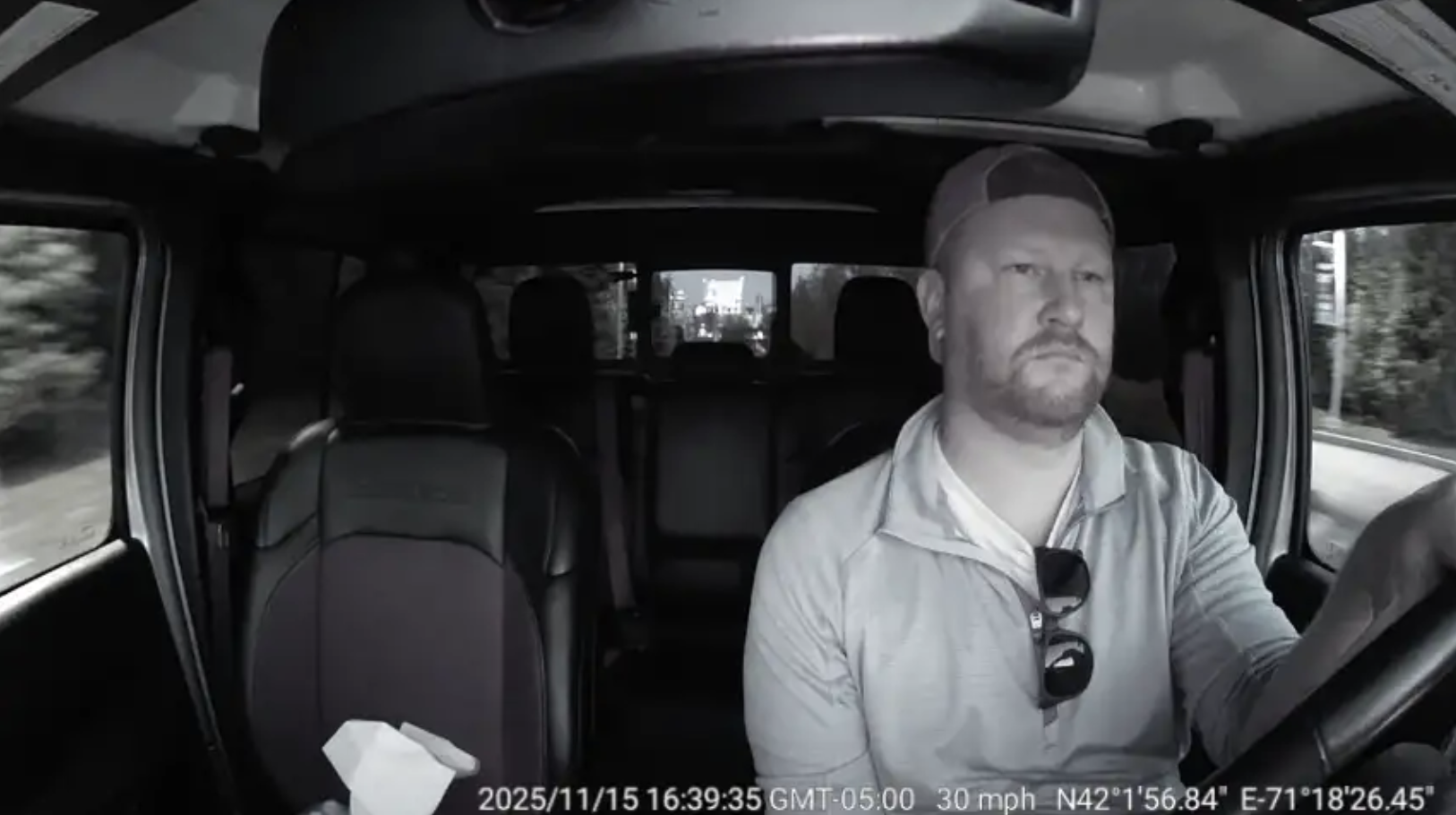
- Event Definition: This event is triggered when the driver’s seatbelt is not fastened or is not worn correctly.
- Sensitivity Levels:
- High: Seatbelt not worn for 10 seconds or more
- Medium: Seatbelt not worn for 20 seconds or more
- Low: Seatbelt not worn for 30 seconds or more
- Minimum Threshold Speed: 15 mph
- Driver Audio Alert: “Danger! Fasten your seatbelt.”
Distracted Driving:
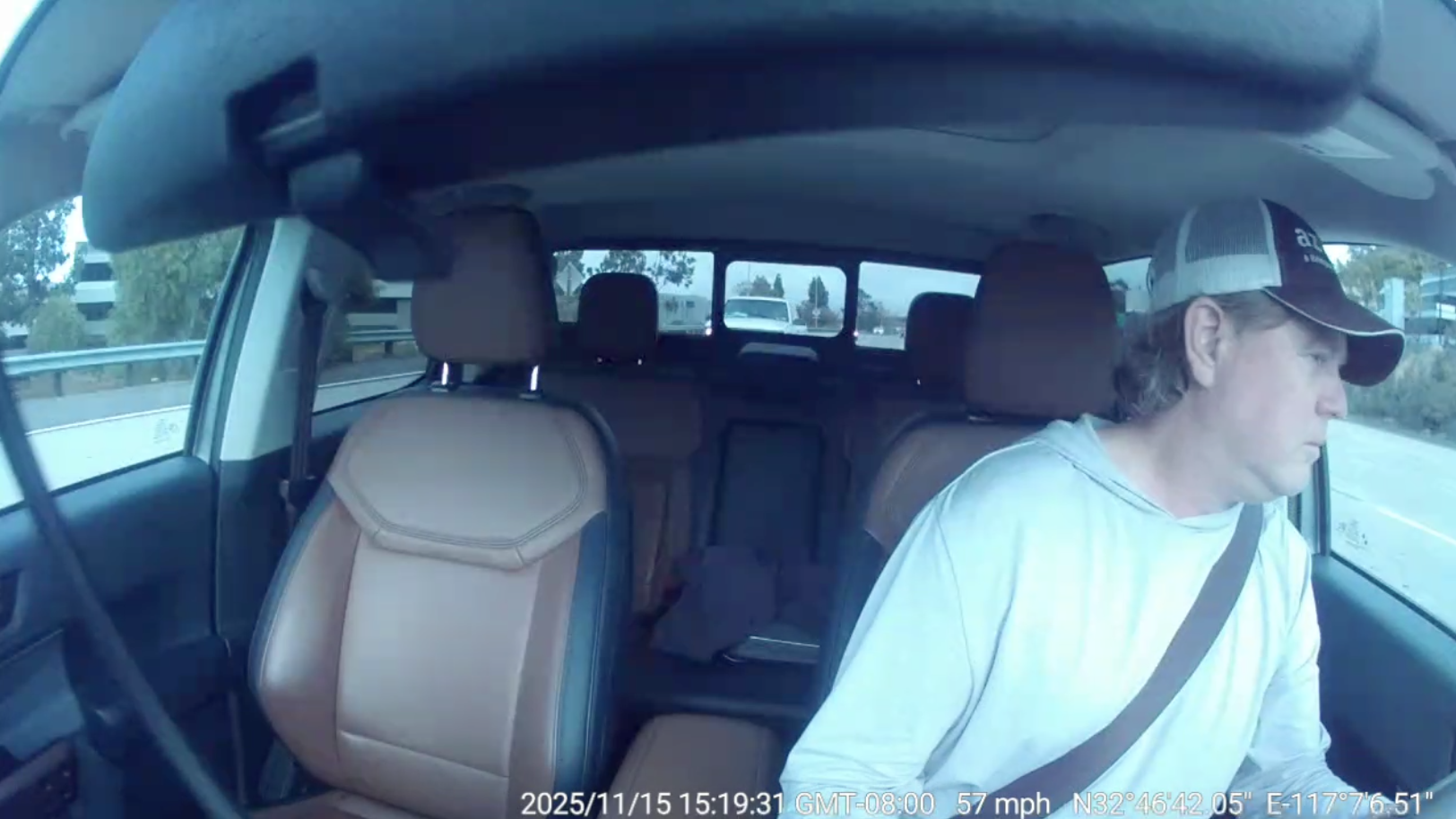
- Event Definition: This event is triggered when the driver’s attention shifts away from the road. The SafetyCam detects distraction when the driver looks left, right, up, or down for a noticeable period instead of maintaining focus ahead.
- Sensitivity Levels:
- High: Driver is distracted for 3 seconds or more
- Medium: Driver is distracted for 6 seconds or more
- Low: Driver is distracted for 9 seconds or more
- Minimum Threshold Speed: 15 mph
- Driver Audio Alert: “Distraction detected, keep your eyes on the road.”
Possible Fatigue:
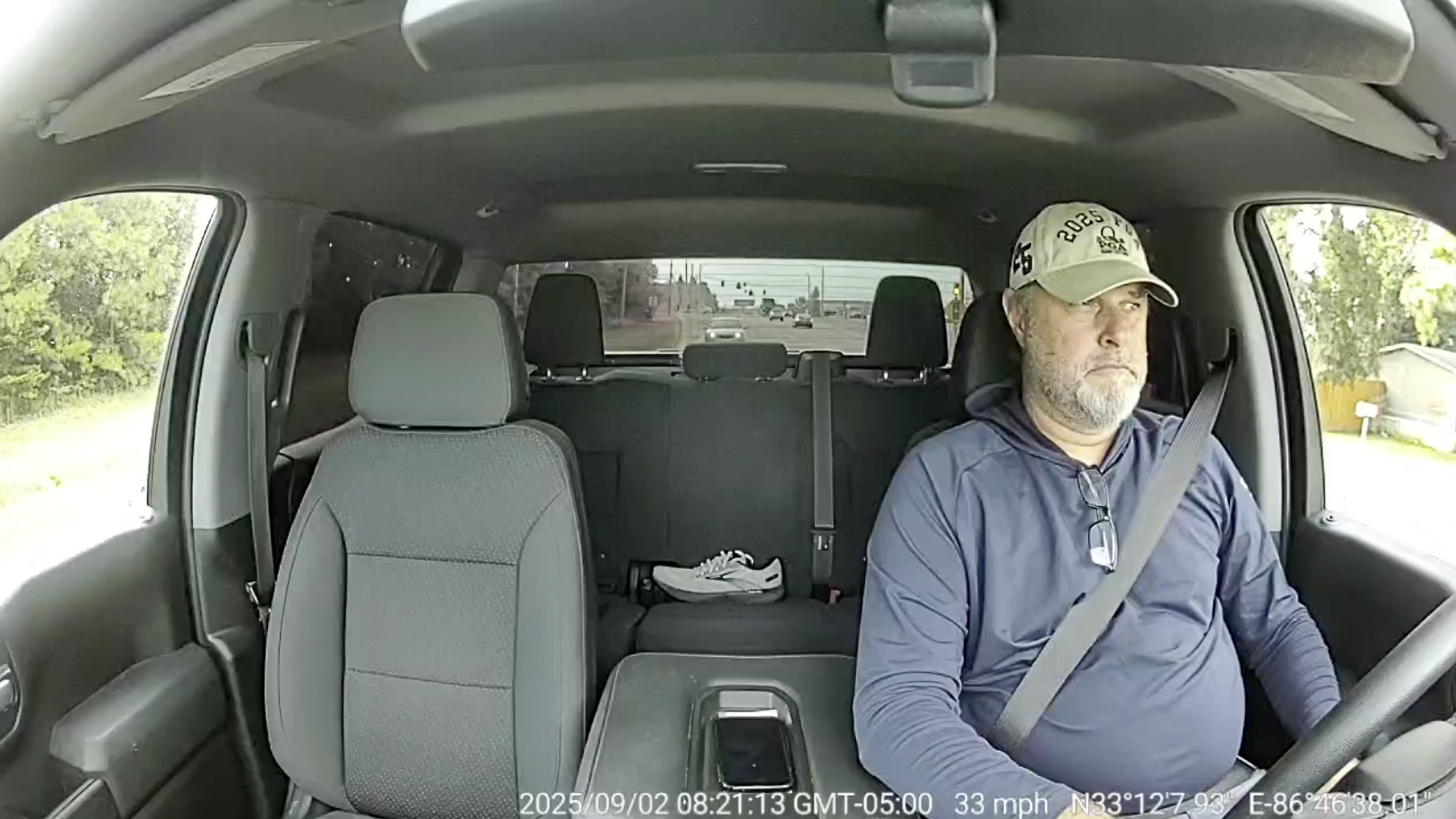
- Event Definition: This event is triggered when the SafetyCam detects indicators of driver fatigue. The system identifies fatigue based on prolonged eye closure.
- Sensitivity Levels:
- High: Eyes closed for 5 seconds or more
- Medium: Eyes closed for 7 seconds or more
- Low: Eyes closed for 10 seconds or more
- Minimum Threshold Speed: 15 mph
- Driver Audio Alert: “Fatigue detected, stay alert!”
Obstruction:
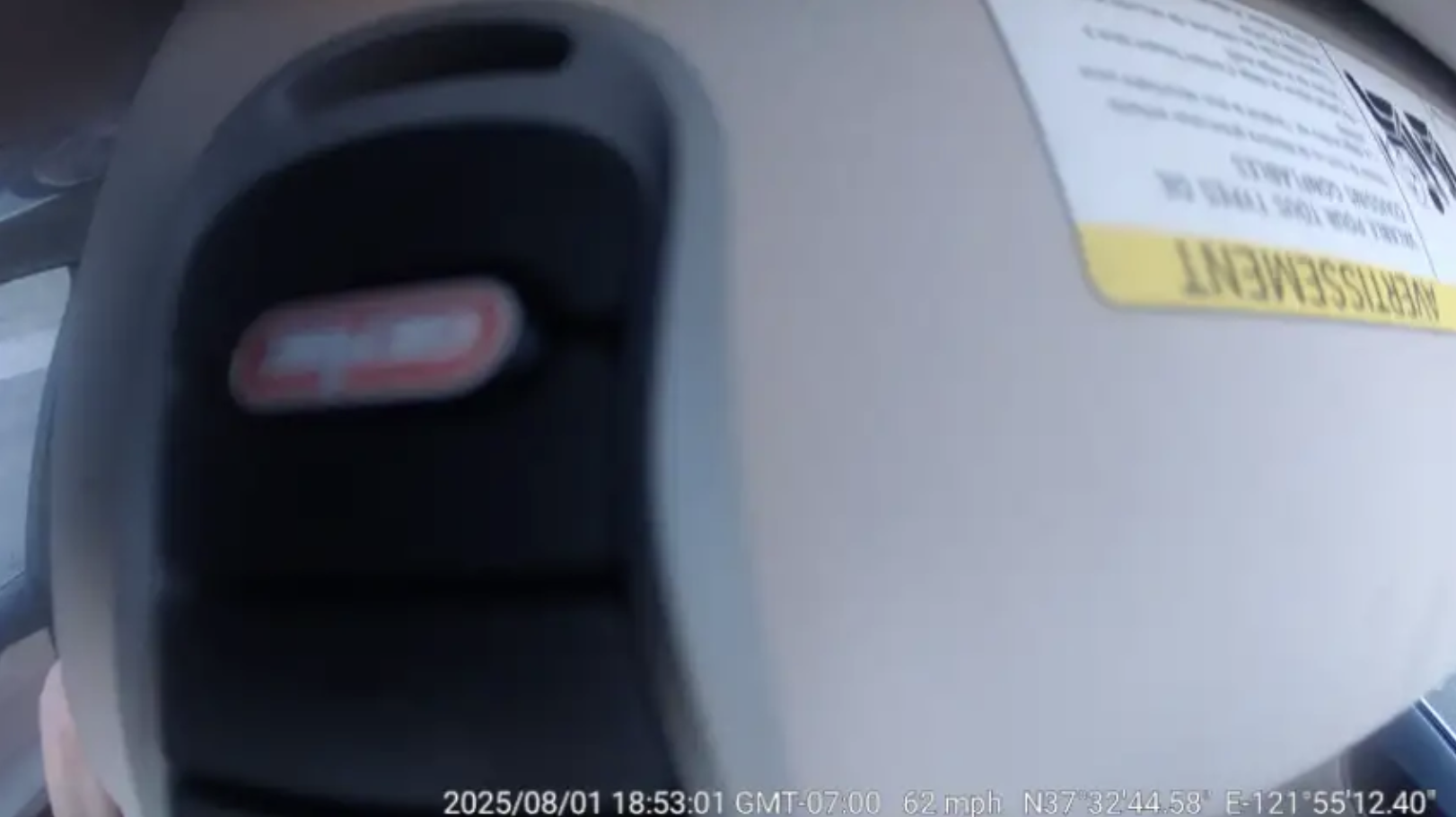
- Event Definition:This event is triggered when the inward-facing camera lens remains obstructed for more than 60 seconds, preventing the system from monitoring the driver effectively. The SafetyCam identifies an obstruction when the driver-facing lens is covered by objects such as a sun visor, hanging accessories, dirt, or an accidental covering by the driver’s hand or clothing.
- Minimum Threshold Speed: 15 mph
- Driver Audio Alert: “Alert! Inward camera is blocked, please remove the obstacle.”
Advanced Driver Assistance System (ADAS) Events:
ADAS events are triggered based on the road-facing camera view of the SafetyCam. Using AI, the system analyzes lane markings, vehicle positioning, and distance to surrounding traffic to identify unsafe lane movement, rapid closing distance, or prolonged close-following conditions. These events help alert drivers to potential collision risks and encourage safer driving behavior.
The SafetyCam Pro and SafetyCam Plus support the following ADAS events:
Lane Departure:
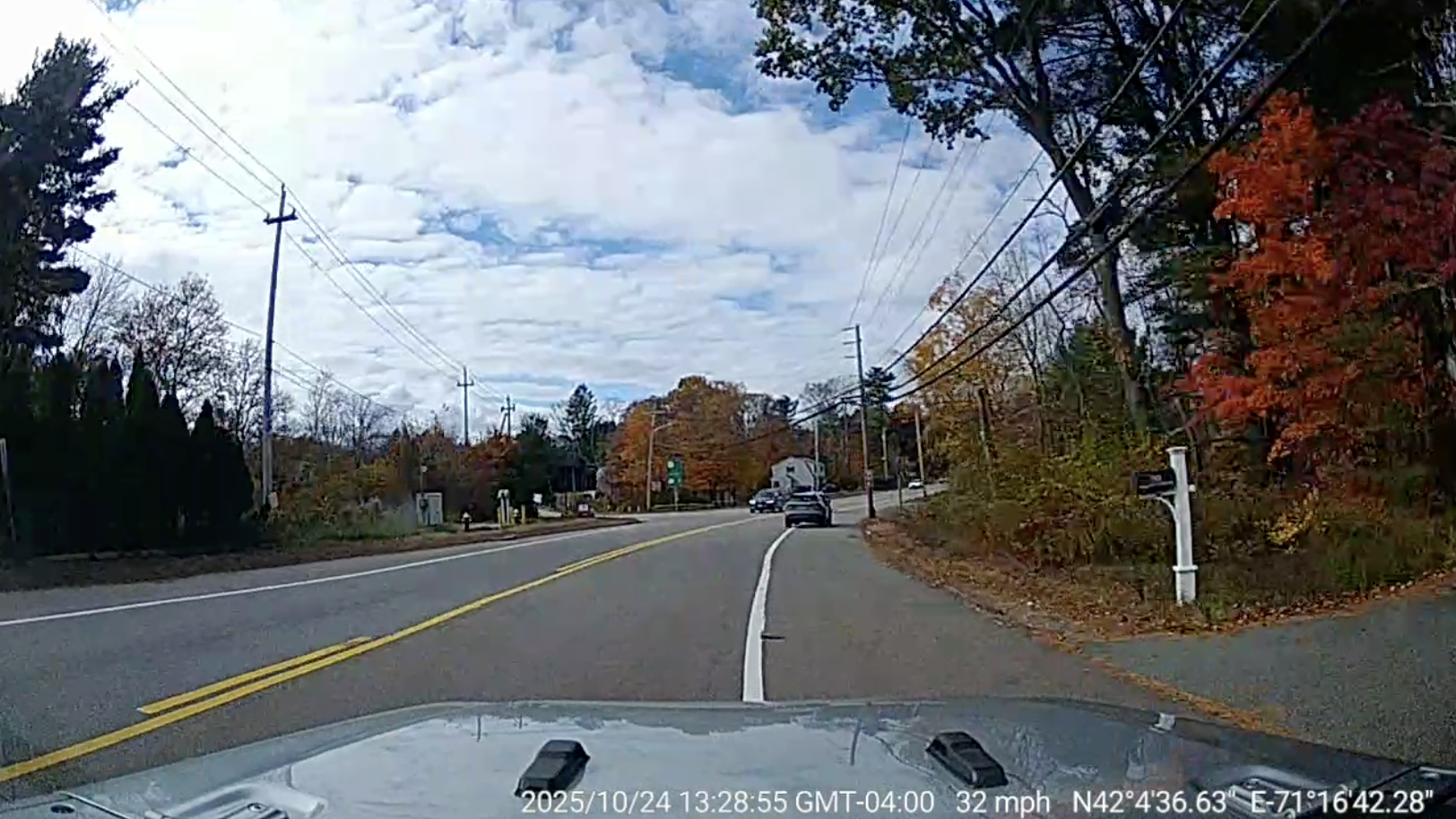
- Event Definition: This event is triggered when the vehicle drifts out of its lane and drives on or over the lane markings for a sustained period, indicating a potential lane deviation.
- Sensitivity Levels:
- High: Vehicle crosses or stays on lane markings for 3 seconds or more
- Medium: Vehicle crosses or stays on lane markings for 5 seconds or more
- Low: Vehicle crosses or stays on lane markings for 7 seconds or more
- Minimum Threshold Speed: 25 mph
- Driver Audio Alert: “Lane departure”
Critical Distance:
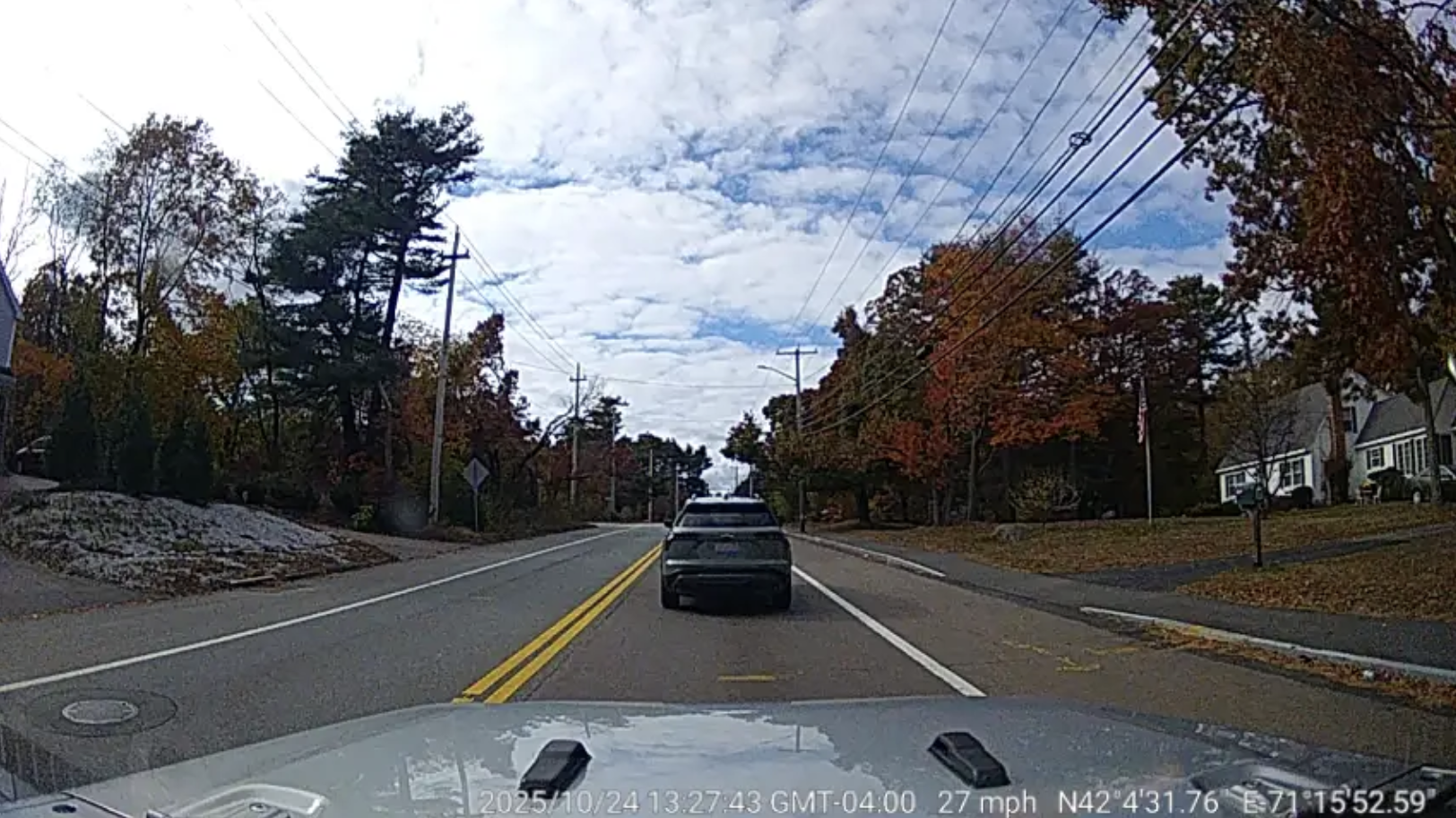
- Event Definition: Event Definition: This event is triggered when the vehicle comes dangerously close, within approximately 40 feet, to the vehicle in front, resulting in an unsafe following gap and a potential collision risk.
- Minimum Threshold Speed: 25 mph
- Driver Audio Alert: “Front collision warning.”
Tailgating:
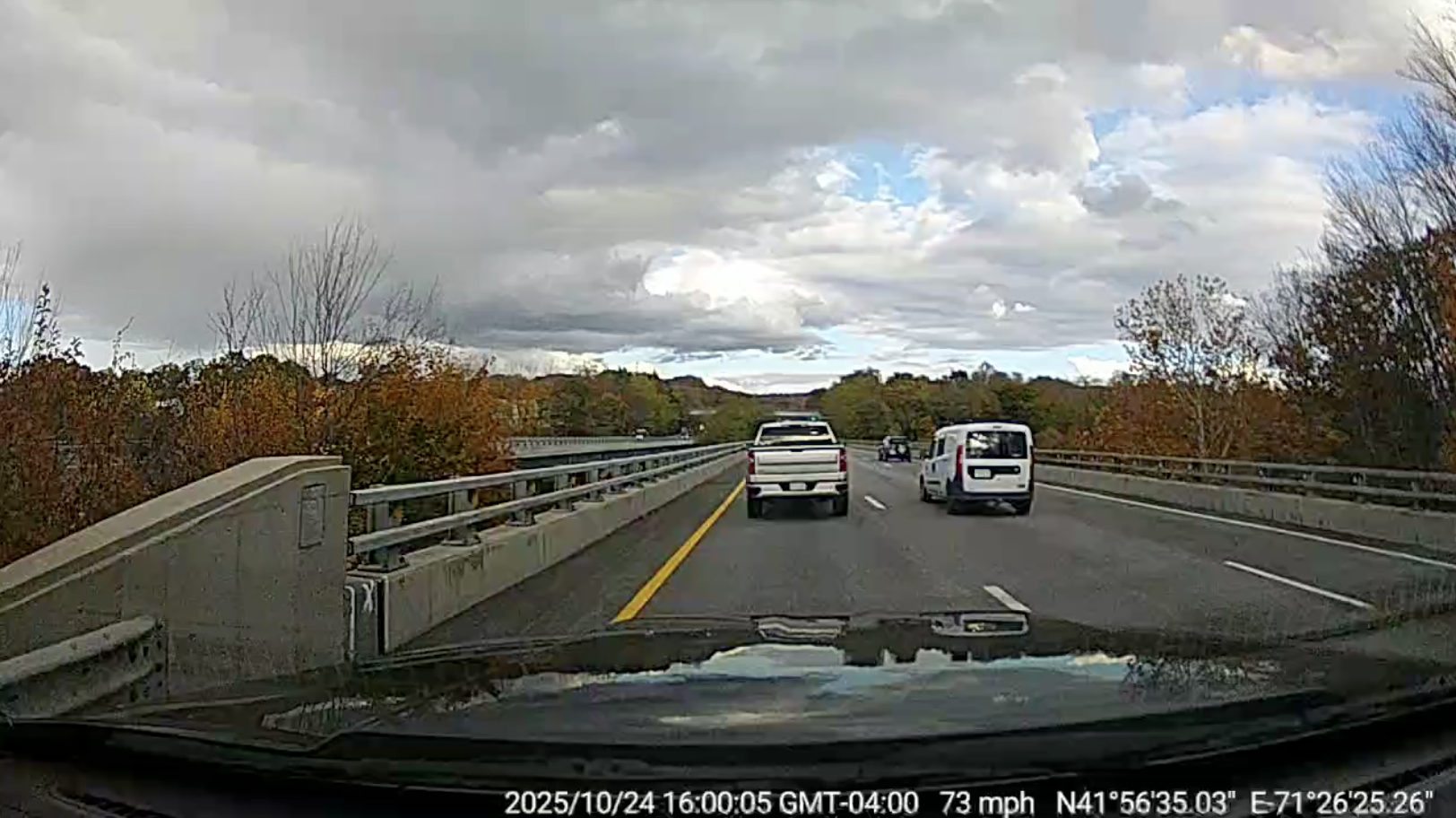
- Event Definition: This event is triggered when the driver maintains an unsafe following distance from the vehicle ahead for an extended period, increasing the risk of hitting the vehicle in front.
- Sensitivity Levels:
- High: Time-to-collision is less than 0.8 seconds for 10 seconds or more
- Medium: Time-to-collision is less than 0.65 seconds for 10 seconds or more
- Low: Time-to-collision is less than 0.5 seconds for 10 seconds or more
- Minimum Threshold Speed: 25 mph
- Driver Audio Alert: “Tailgating”
| ⚠️ Important: Tailgating is considered riskier than the Critical Distance event, as it indicates that the vehicle has been following dangerously close to the vehicle in front for an extended period. |
Sign Detection Events:
Sign Detection Events are triggered when the SafetyCam identifies certain road signs through its road-facing camera and detects that the driver did not respond appropriately.
The SafetyCam Plus and SafetyCam Pro currently support the following Sign Detection event:
Rolling Stop:
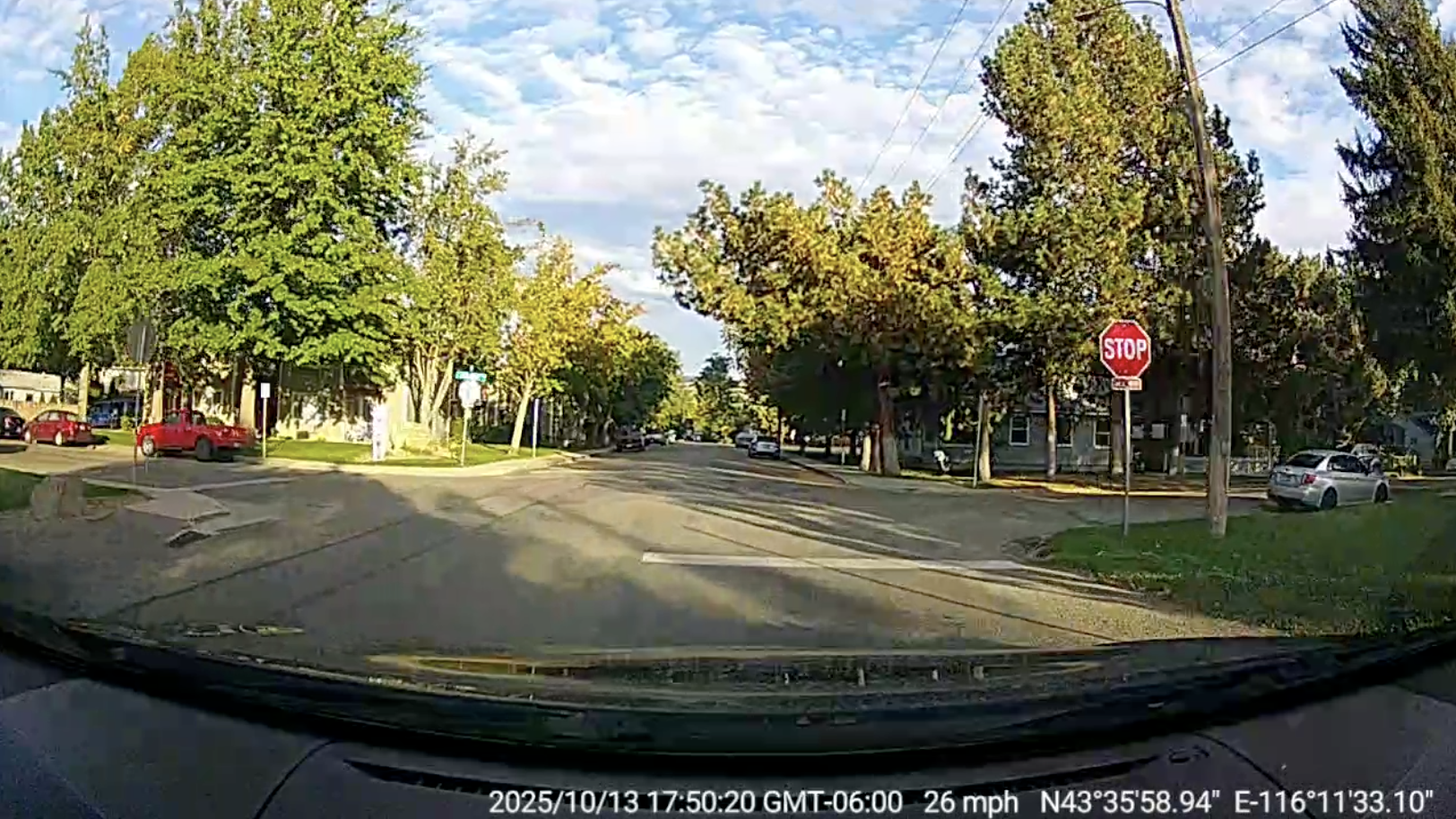
- Event Definition: This event is triggered when the camera detects a stop sign, but the driver fails to bring the vehicle to a complete stop at the sign.
- Audio Alert: “Rolling stop detected.”
Impact Detection Events:
The SafetyCam Plus and SafetyCam Pro are equipped with a built-in G-sensor that detects sudden changes in motion and impact forces. This sensor enables the system to identify impact-related events by monitoring rapid shifts in G-force, helping capture unsafe driving behavior and potential incidents as they occur.
The SafetyCam Plus and SafetyCam Pro support the following G-sensor–based events:
Collision Detected – AI Cam:
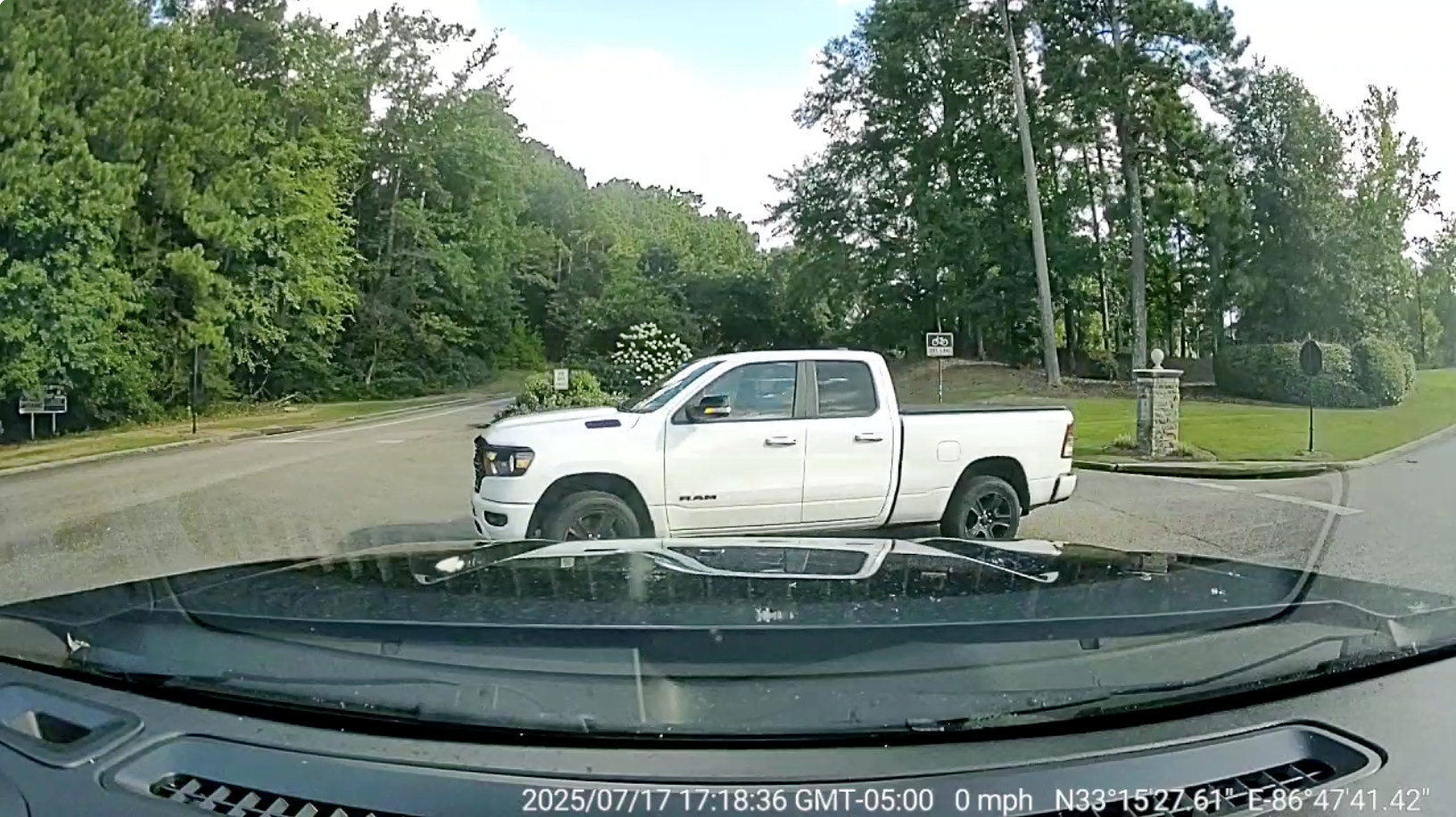
- Event Definition: This event is triggered when the SafetyCam detects a sudden spike in G-force while the vehicle is in motion, indicating a significant impact that represents a potential collision.
- Sensitivity Levels:
- High: Impact force exceeds 0.7 g
- Medium: Impact force exceeds 0.9 g
- Low: Impact force exceeds 1.2 g
- Driver Audio Alert: “Impact detected.”
Collision Detected:
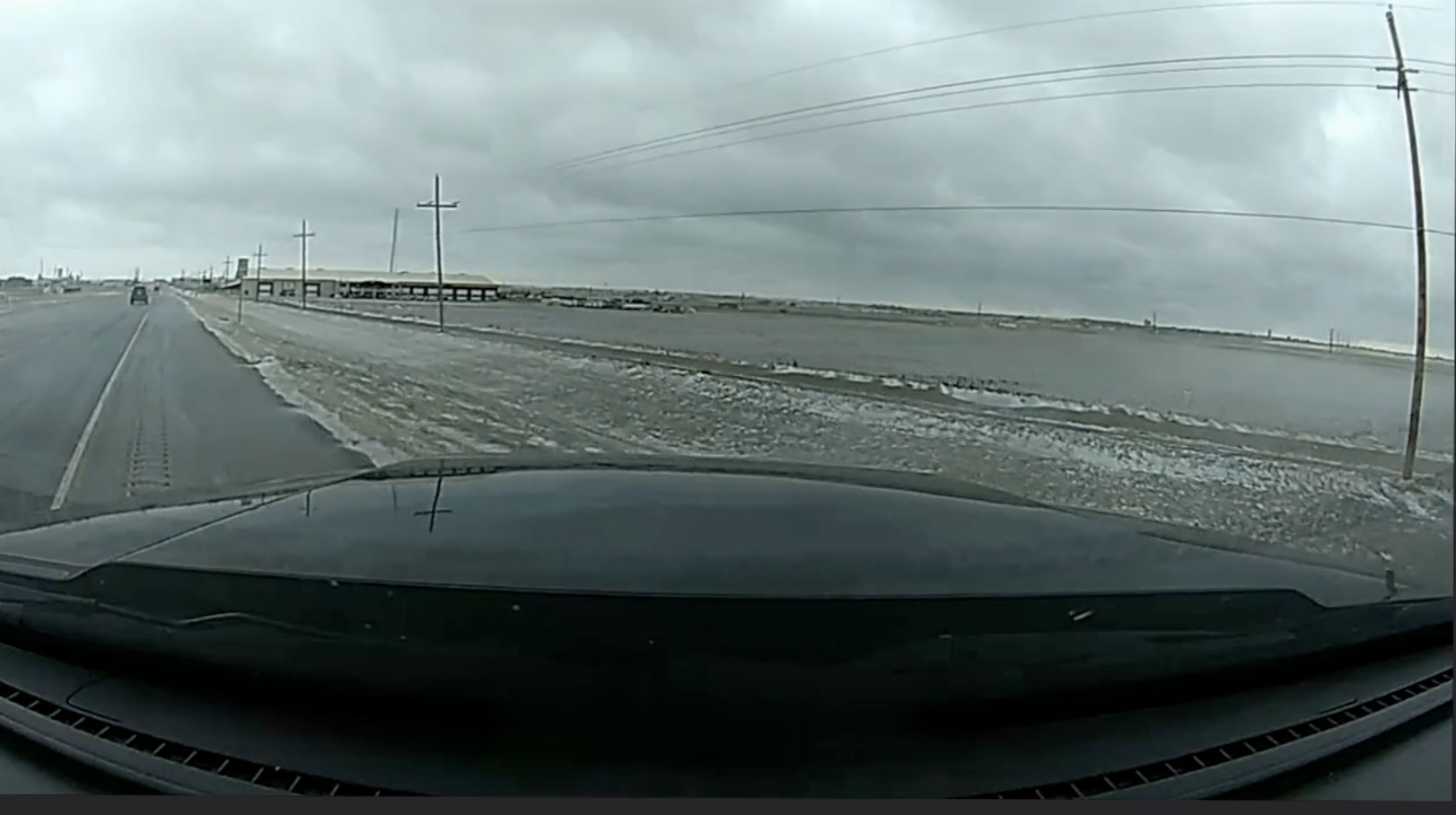
- Event Definition: This event is triggered when a significant impact or crash is identified, based on the capabilities of the device installed in the vehicle.
- For Datalogger Devices: The event is recorded when the datalogger detects a high-impact force. The system then analyzes high-frequency vehicle data using Azuga’s proprietary collision detection algorithm to classify the incident as a collision.
- For OEM Devices: The event is recorded when the OEM system sends collision signals directly from the vehicle’s onboard sensors or systems.
Emergency Events:
Emergency events are triggered when the driver manually presses the camera’s emergency button. This allows the driver to immediately record and flag critical moments on the road, such as near-misses, road hazards, or unexpected incidents. The system captures video and event data as soon as the button is pressed, ensuring important situations are documented even if they do not fall under standard detection events.
The SafetyCam Plus and SafetyCam Pro support the following Emergency event:
Button Pressed:
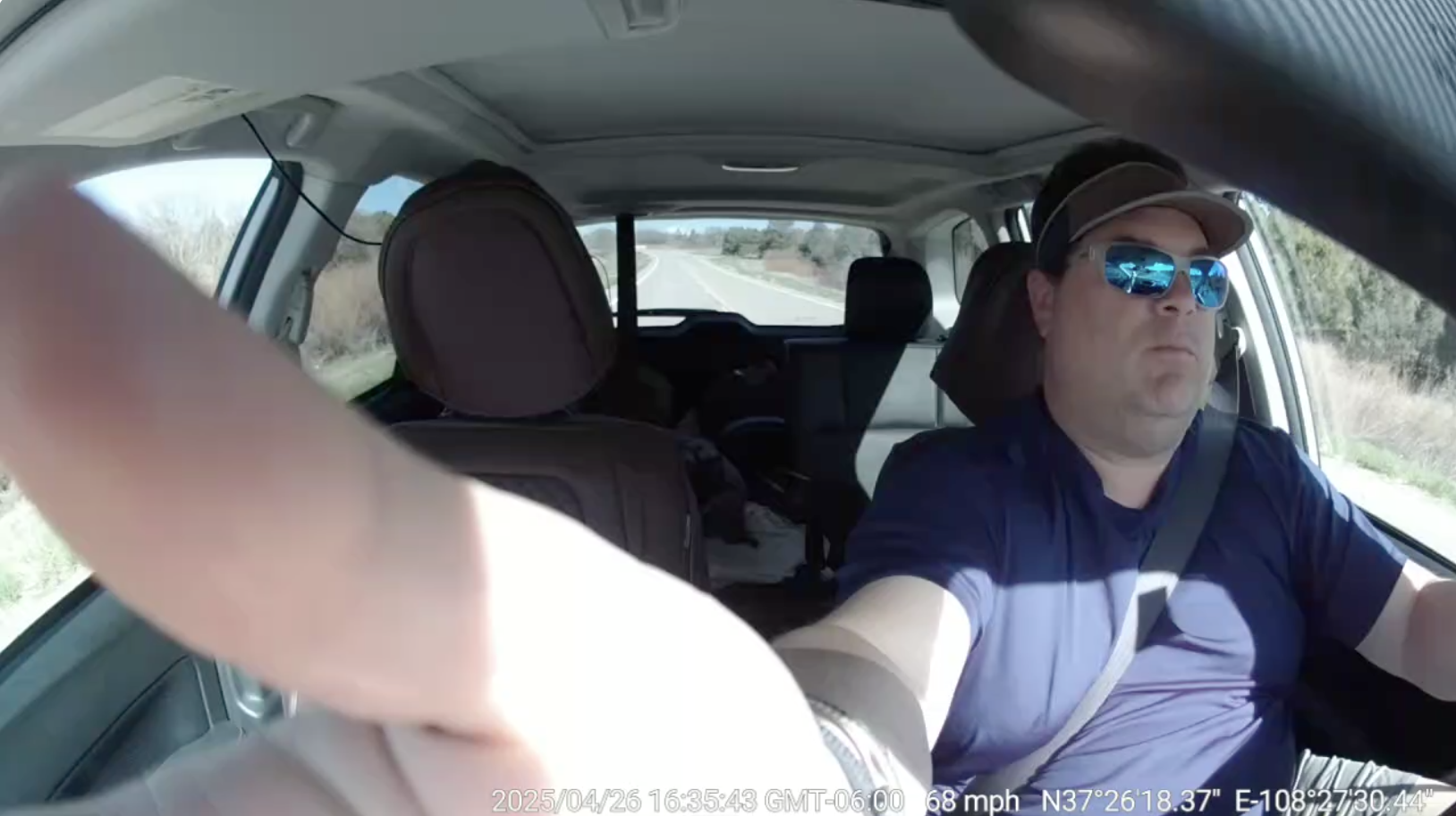
- Event Definition: This event is triggered when the driver manually presses the emergency button on the SafetyCam. Pressing the button immediately initiates an event recording, typically used to capture critical moments or unexpected incidents on the road.
- Driver Audio Alert: “Emergency recording”
Tampering Events:
Tampering events are triggered when the SafetyCam detects physical interference with the camera or its connected hardware. These events rely on built-in sensors and device monitoring to identify actions such as attempts to access the camera housing or disconnect the datalogger. Tampering events help fleets identify unauthorized access, prevent data loss, and ensure the SafetyCam system remains operational and secure.
The SafetyCam Plus and SafetyCam Pro support the following Tampering events:
Camera Tampered:

- Event Definition: This event is triggered when someone attempts to physically interfere with the camera, such as opening or removing the SD card cover, indicating possible tampering or unauthorized access.
Device Unplugged:
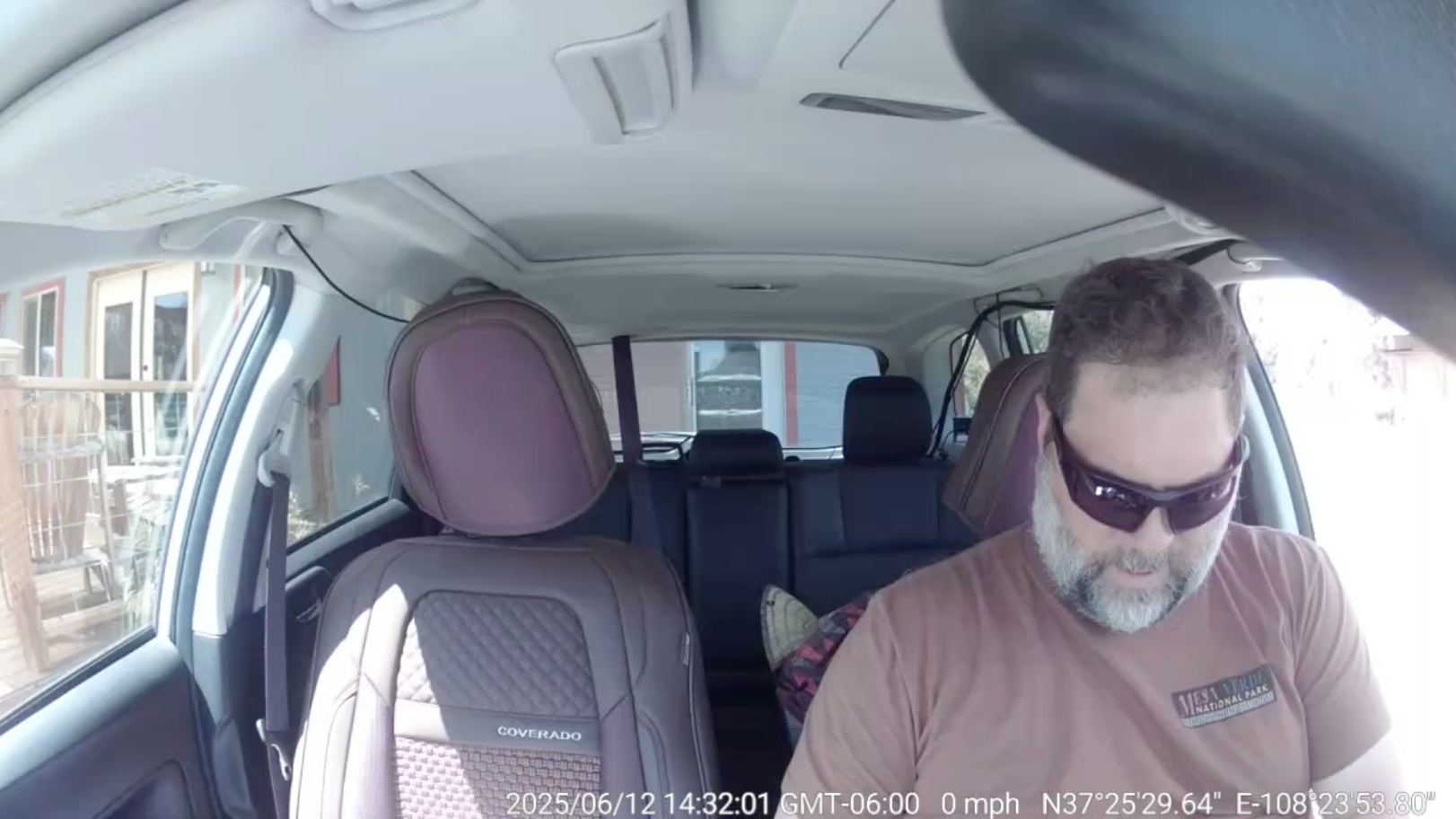
- Event Definition: This event is triggered when the datalogger device is disconnected or removed from the vehicle’s diagnostic port, indicating a potential loss of data or intentional tampering.
Risky Driving Events:
The SafetyCam Pro and SafetyCam Plus support the following Risky Driving events:
Violent Turn:
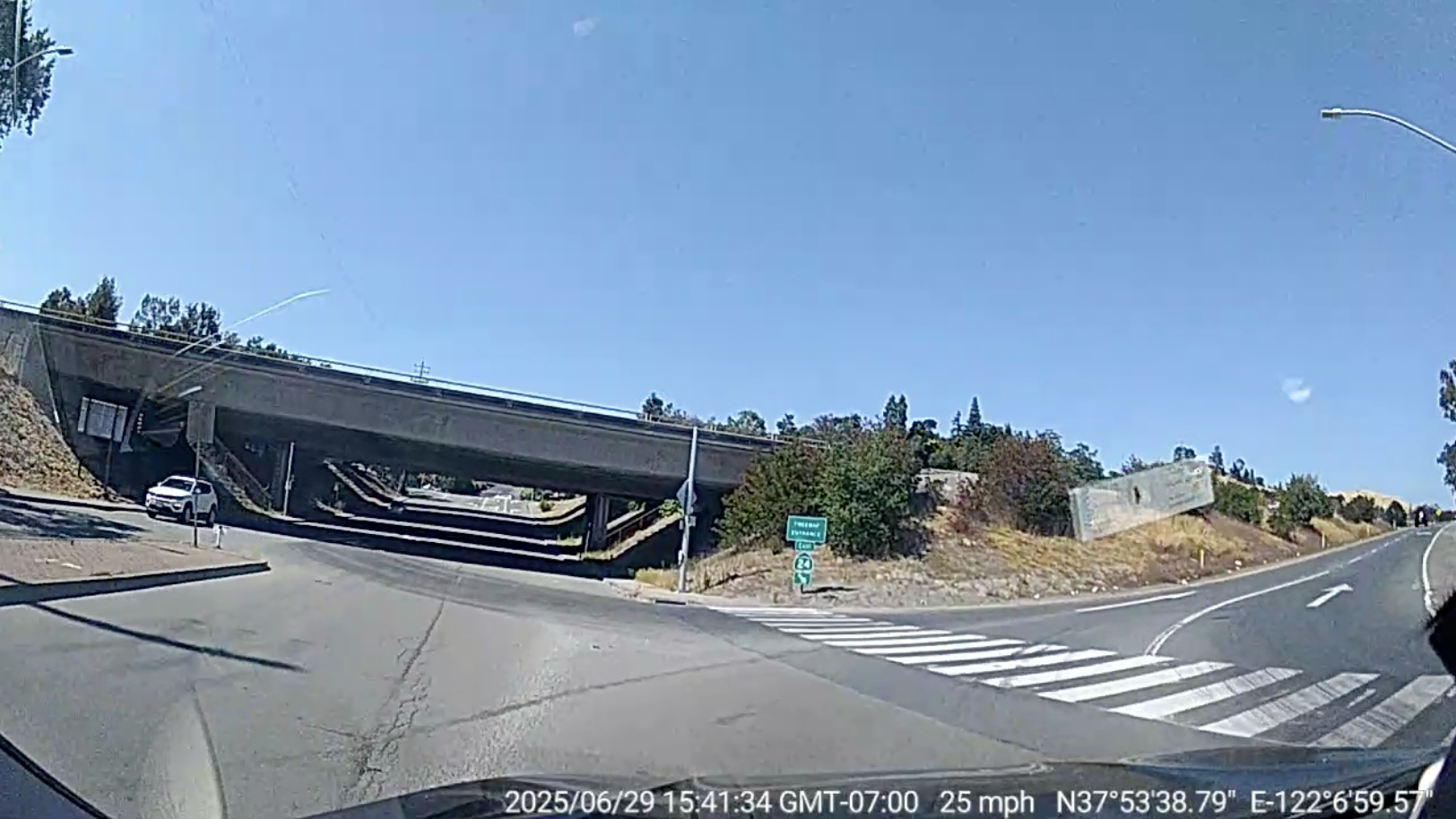
- Event Definition: This event is triggered when the SafetyCam’s built-in sensors detect a sharp or aggressive turn to the left or right, shown by a significant spike in lateral G-force while the vehicle is in motion, indicating harsh cornering behavior.
- Sensitivity Levels:
- High: Lateral acceleration exceeds 0.35 g
- Medium: Lateral acceleration exceeds 0.45 g
- Low: Lateral acceleration exceeds 0.55 g
- Minimum Threshold Speed: 25 mph
- Driver Audio Alert: “Harsh cornering detected.”
Hard Braking:
- Event Definition: This event is triggered when harsh braking is identified.
- For Datalogger Devices: The event is reported when the vehicle’s speed decreases at a rate between 8–10 MPH per second. The minimum threshold speed is 19 MPH.
- For OEM Devices: The event is recorded when the OEM system detects a braking event greater than 0.368 g.
Hard Core Braking:
- Event Definition: This event is identified when severe harsh braking is identified.
- For Datalogger Devices: The event is reported when the vehicle’s speed decreases at a rate of 11 MPH per second or more. The minimum threshold speed is 19 MPH.
- For OEM Devices: Not Applicable
Sudden Acceleration:
- Event Definition: This event is triggered when harsh acceleration is identified
- For Datalogger Devices: The event occurs when the vehicle’s speed increases at a rate greater than 8 MPH per second. The minimum threshold speed is 5 MPH.
- For OEM Devices: The event is recorded when the OEM system detects an acceleration event greater than 0.368 g.